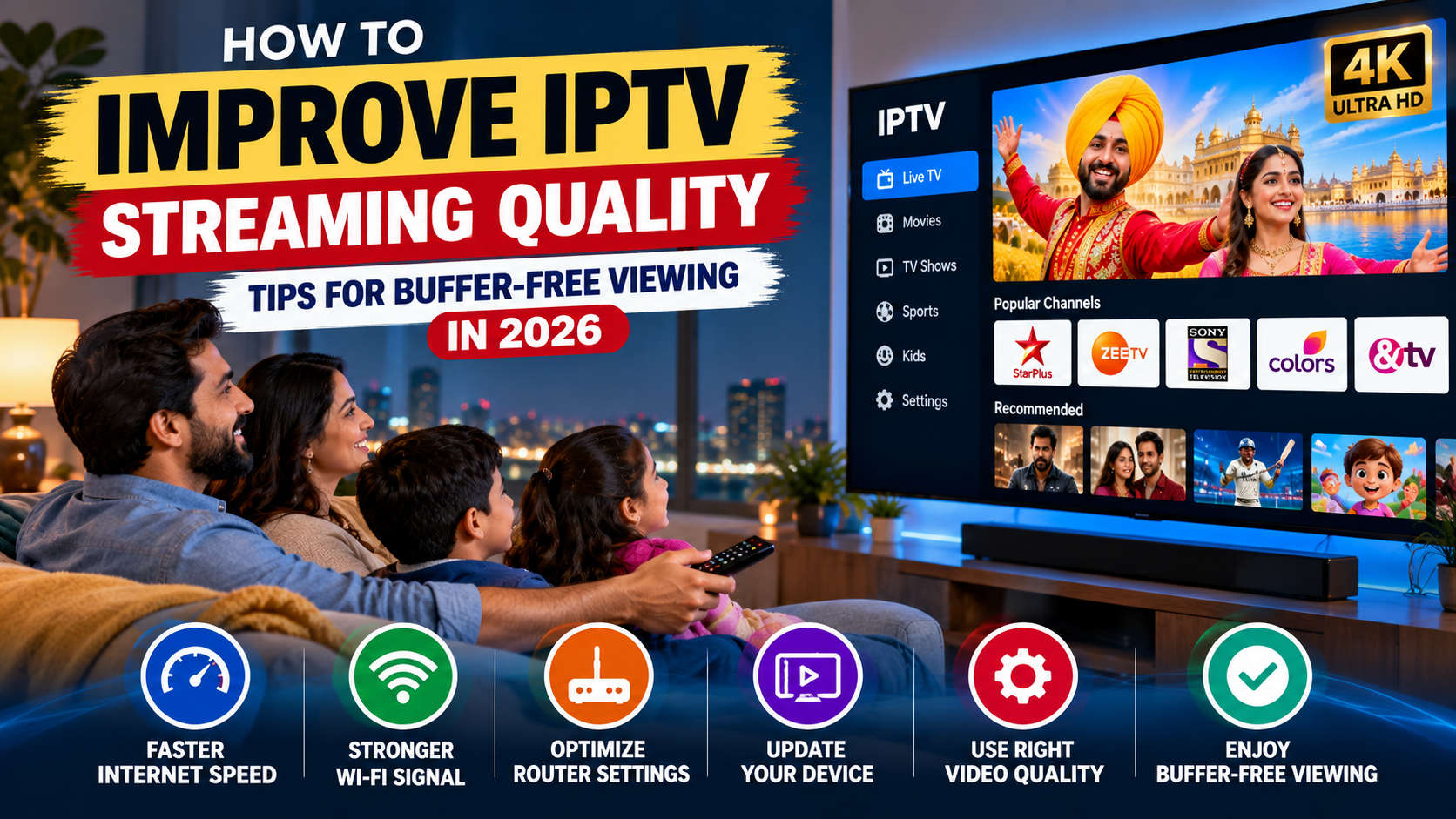
Internet-based television has made it easier to enjoy live channels, movies, and entertainment on different devices. However, streaming problems such as buffering, freezing, delayed playback, and poor picture quality can affect the viewing experience.
Whether you watch television through a smart TV, Android device, streaming box, or computer, a stable internet connection and properly configured equipment are important for smooth playback.
In this guide, we explain common IPTV streaming problems, what causes them, and practical ways to improve streaming quality in 2026.
What Affects IPTV Streaming Quality?
IPTV uses an internet connection to deliver television content to compatible devices. Several factors can influence how smoothly the content plays.
Some common factors include:
- Internet speed and connection stability.
- Wi-Fi signal strength.
- Router performance.
- Streaming device specifications.
- Application compatibility.
- Network congestion.
- Provider-side server performance.
Understanding these factors can help you identify the cause of streaming problems instead of changing settings unnecessarily.
1. Check Your Internet Connection
A stable internet connection is one of the most important requirements for reliable IPTV streaming.
Even if your internet plan offers high download speeds, an unstable connection can still cause buffering and interruptions.
Try these steps:
- Run an internet speed test.
- Check whether other devices are using significant bandwidth.
- Restart your modem and router.
- Contact your internet provider if speeds are consistently below your subscribed plan.
- Check for connection interruptions during streaming.
Remember that the recommended internet speed depends on video resolution, network conditions, and the number of connected devices.
2. Use an Ethernet Connection Instead of Wi-Fi
Wi-Fi is convenient, but wireless signals can be affected by walls, distance, interference, and other connected devices.
If your streaming device supports Ethernet, connecting it directly to your router may provide a more stable connection.
Benefits of Ethernet include:
- More consistent network performance.
- Reduced wireless interference.
- Lower connection fluctuations.
- Improved reliability during longer streaming sessions.
If Ethernet is not practical, place your router closer to your streaming device and avoid physical obstructions.
3. Restart Your Router and Streaming Device
Sometimes, temporary network or device issues can affect playback.
Restarting your router and streaming device can help resolve minor connection problems.
Follow these steps:
- Close your streaming application.
- Turn off your television or streaming device.
- Restart your internet router.
- Wait until the internet connection is restored.
- Turn your device back on.
- Open the streaming application and test playback again.
If the problem continues, investigate the network or application rather than repeatedly restarting everything.
4. Keep Your IPTV Application Updated
Outdated applications can sometimes create compatibility problems or unexpected playback errors.
Check whether your streaming application has an available update through its official application store or provider instructions.
Keeping applications updated can help with:
- Compatibility improvements.
- Performance fixes.
- Security updates.
- Bug corrections.
- Better device support.
Only install applications from trusted sources and follow the official provider’s installation instructions.
5. Clear Application Cache When Necessary
Some streaming applications store temporary files to improve performance. Over time, these files may become unnecessary or corrupted.
On supported Android devices, clearing an application’s cache may help resolve certain loading or playback issues.
The general process is:
- Open your device settings.
- Navigate to Applications or Apps.
- Select your streaming application.
- Open Storage settings.
- Choose Clear Cache if available.
- Reopen the application.
Avoid selecting Clear Data unless you understand the consequences, as this may remove saved settings or account information.
6. Choose the Right Video Quality
Higher video resolution requires more bandwidth and processing power.
If your internet connection is unstable, selecting a lower resolution may improve playback consistency.
For example:
- Standard Definition (SD) generally requires less bandwidth.
- High Definition (HD) requires a stronger connection.
- 4K streaming requires significantly more bandwidth and compatible equipment.
Choose a resolution that matches your internet connection and device capabilities.
7. Reduce Network Congestion
Multiple devices using the same internet connection can compete for available bandwidth.
For example, someone downloading large files while another person watches high-definition television may experience streaming interruptions.
To improve performance:
- Pause large downloads during streaming.
- Limit unnecessary background applications.
- Avoid simultaneous high-bandwidth activities.
- Use router Quality of Service settings if supported.
- Consider a suitable internet plan for your household.
Managing network usage can make a noticeable difference, particularly in homes with several connected devices.
8. Check Your Streaming Device Performance
Your streaming device also plays an important role in video playback.
Older hardware, limited memory, overheating, or outdated software may cause applications to freeze or respond slowly.
Consider these maintenance tips:
- Keep your device software updated.
- Close unused applications.
- Ensure adequate ventilation.
- Avoid overheating.
- Check available storage space.
- Use devices compatible with your streaming application.
If your device consistently struggles with multiple streaming applications, it may be worth considering a newer compatible model.
9. Understand Provider-Side Streaming Problems
Not every IPTV buffering problem comes from your internet connection.
Sometimes interruptions may occur because of provider-side maintenance, server congestion, content delivery issues, or temporary technical problems.
If other applications stream normally but one particular IPTV service continues experiencing problems, contact the provider’s support team.
Ask whether there is an ongoing service interruption and whether the affected channel or content is experiencing technical difficulties.
10. How to Choose an IPTV Service for Better Streaming
Choosing an appropriate IPTV service can also influence your overall viewing experience.
Before purchasing an IPTV subscription, consider these factors:
Streaming Reliability: Look for transparent information about service performance and technical support.
Device Compatibility: Confirm that the service supports your smart TV, streaming box, smartphone, or other preferred device.
Channel Availability: Review the actual channel lineup and confirm that your preferred content is included.
Customer Support: Choose a provider with clear assistance options for setup and troubleshooting.
Subscription Transparency: Understand the pricing, renewal terms, cancellation policy, and any additional charges.
Content Licensing: Make sure the provider is authorized to distribute the channels and content it offers in your location.
A reliable viewing experience depends on both your home network and the quality of the service you choose.
Common IPTV Streaming Problems and Possible Solutions
| Streaming problem | Possible solution |
|---|---|
| Frequent buffering | Check internet stability and network congestion |
| Video freezing | Restart the application and device |
| Slow channel loading | Check connection and provider status |
| Poor picture quality | Review video resolution settings |
| Application crashing | Update the application and device |
| Connection errors | Check router settings and internet availability |
These solutions address common issues, but the correct fix depends on the underlying cause.
Frequently Asked Questions
1. Why does IPTV keep buffering even with fast internet?
Fast download speeds do not always guarantee stable streaming. Wi-Fi interference, network congestion, packet loss, router problems, and provider-side issues can also cause buffering.
2. Is Ethernet better than Wi-Fi for IPTV?
Ethernet generally provides a more consistent connection because it avoids wireless interference. However, a strong and stable Wi-Fi connection can also work well.
3. Does a better streaming device improve IPTV quality?
A compatible device with sufficient processing power and memory can improve application performance. However, it cannot fix an unstable internet connection or provider-side issues.
4. Can clearing the cache fix IPTV buffering?
It may resolve certain application-related problems, especially when temporary files are corrupted. However, buffering caused by network or server issues requires a different solution.
5. Does IPTV require high-speed internet?
The required speed depends on video resolution, network stability, and the number of devices using the connection. Higher-resolution streaming generally requires more bandwidth.
6. Why does IPTV work on one device but not another?
The devices may have different software versions, network connections, hardware capabilities, or application compatibility. Check the provider’s supported-device requirements.
Conclusion
Improving IPTV streaming quality involves more than having a fast internet connection. Router performance, Wi-Fi strength, device compatibility, application updates, and provider reliability all contribute to a smooth viewing experience.
By following these practical troubleshooting steps, you can identify common streaming problems and improve your home entertainment setup.